


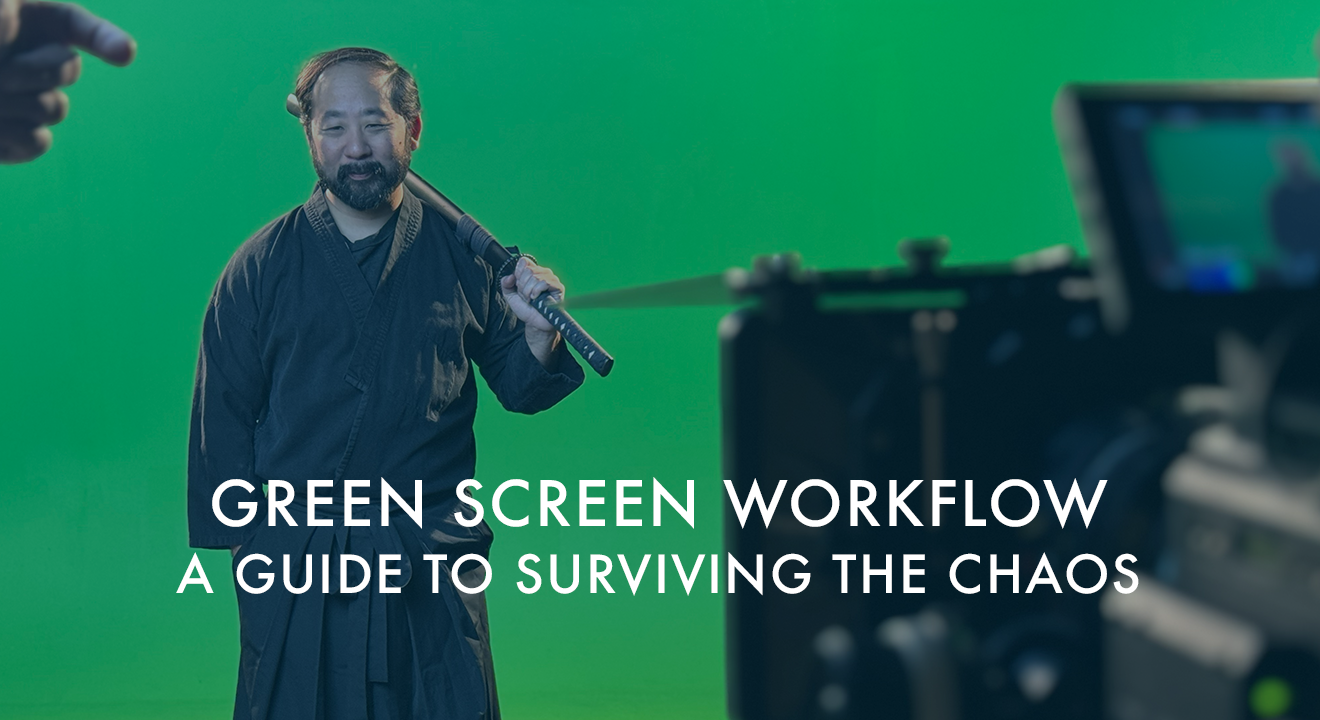

Prepping for a green screen shoot might save you headaches later! If you want your next project to look polished, cinematic, and not like a middle-school morning announcement video, you need to dial in your green screen workflow before anyone even touches a camera. Too many filmmakers walk into green screen day thinking the magic happens in post. It doesn’t. The magic happens in prep. What happens in post is usually regret.
I’ve said this a few times now, and I’ll say it again here: your green screen workflow doesn’t start on the computer. It starts the moment you decide what your background is going to be. Half the battle is knowing exactly what kind of world your subject will be dropped into, because that determines your lighting, your wardrobe choices, your distance from the screen, and every other detail.
Let’s walk through how to prep like a pro, avoid the most common pitfalls, and keep your compositing artist from developing a twitch.
Understanding Your Background and Green Screen Workflow
Before you light anything, decide where your subject “lives” when the background is added. A sunset beach? A futuristic spaceship? A corporate office that smells like new carpet and bad coffee? These choices impact everything about your green screen workflow.
Let me give you an example: if you’re dropping your talent into a bright outdoor scene, you can’t light them like they’re in a cave. You need to match the direction of the imaginary sun, the general brightness, and even the color temperature. Thinking about these things ahead of time will save hours later.
I always joke that the background is the boss. It sets the rules. Ignore those rules, and your final composite will look like you cut out a person and slapped them onto a postcard.
Lighting for Realistic Results in Your Green Screen Workflow
Most problems in green screen workflow start with bad lighting. People tend to blast the green wall with every light they own and hope for the best. That only gives you hot spots, shadows, and spill that looks like your subject took a bath in radioactive Mountain Dew.
Light the screen evenly, but don’t overdo it. Keep your subject separated enough that the green doesn’t wrap around them. And, for the love of cinema, match the lighting direction of your background. You don’t want your subject lit from the left while the virtual sun hits them from the right unless you’re going for a surreal vibe.
If you’re unsure, do a quick test. Shoot ten seconds and try pulling a key before the real shoot begins. If the test makes you want to punch a hole through a C-stand, adjust your setup.
Wardrobe, Distance, and the Rest of the Green Screen Workflow Prep
Let’s talk wardrobe. You’d be amazed how many people show up to a green screen shoot wearing green. I’ve seen floating heads, floating hands, and even a floating torso once. Unless you’re filming a Harry Potter invisibility cloak demo, keep your talent away from anything that matches the screen.
Next, distance your subject far enough from the green so it doesn’t bounce onto their skin. Five to ten feet usually does the trick, depending on your lighting and lens. More distance means less spill and cleaner edges. Cleaner edges mean your compositor won’t open a bottle at lunch.
Also, think about movement. If your camera will move, use tracking markers. I’ll never forget the day a very famous hip hop group came into Indie Film Factory to shoot a music video. Their camera guy wanted everything handheld, which is fine. Handheld adds energy. But handheld on a green screen without markers? That’s a recipe for a compositing nightmare. I still picture the poor post team sitting in a dark room, questioning their career choices while trying to track every frame manually.
Using Markers Correctly in Your Green Screen Workflow
Tracking markers are your best friend when the camera moves. Place them evenly around the screen, spaced out in predictable patterns. Make sure they contrast clearly with the green. When your compositor pulls the footage into their software, they’ll be able to track movement without crying into a keyboard.
Avoid overdoing it. You don’t need to turn your wall into a game of connect-the-dots. Just give your software enough information to analyze the shot.
Editing Software Options to Support Your Workflow
Once production wraps, the real finish begins. Modern editing tools give you everything you need. Whether you’re cutting in DaVinci Resolve, Adobe Premiere, or Final Cut Pro, all three offer excellent keying options and streamline your green screen workflow. If you need them, here are official links:
DaVinci Resolve
https://www.blackmagicdesign.com/products/davinciresolve/
Adobe Premiere Pro
https://www.adobe.com/products/premiere.html
Final Cut Pro
https://www.apple.com/final-cut-pro/
Download the latest versions and test your footage early. This is where you’ll see whether your prep paid off.
How AI Is Making Green Screen Easier
The newest tools in our industry are doing some serious heavy lifting. AI-based background replacement isn’t perfect, but it’s come a long way. Some programs analyze edges, motion blur, and hair strands better than traditional tools. That doesn’t mean you can slack off in production. It just means that if everything else in your green screen workflow is done right, AI can give your final composite an extra layer of polish.
Still, nothing replaces proper lighting, solid distance, good wardrobe, and a well-planned background.
Final Thoughts
Green screen shoots can be smooth, fun, and fast when you walk in with a plan. Every step of your green screen workflow affects the next one. Treat prep like part of the creative process and not just a box to check off. Know your background, light with intention, choose wardrobe wisely, give your cameras tracking markers, and don’t let your talent stand an inch away from the screen.
Do all that, and you’ll save hours in post, your compositor will sleep better, and your final product will look like it actually belongs in the world you built.
If you want help planning your own green screen workflow or need a studio that actually knows how to do this stuff right, you know where to find us. Contact Indie Film Factory and let’s get you moving in the right direction.